
Preview your fonts without leaving Chrome.
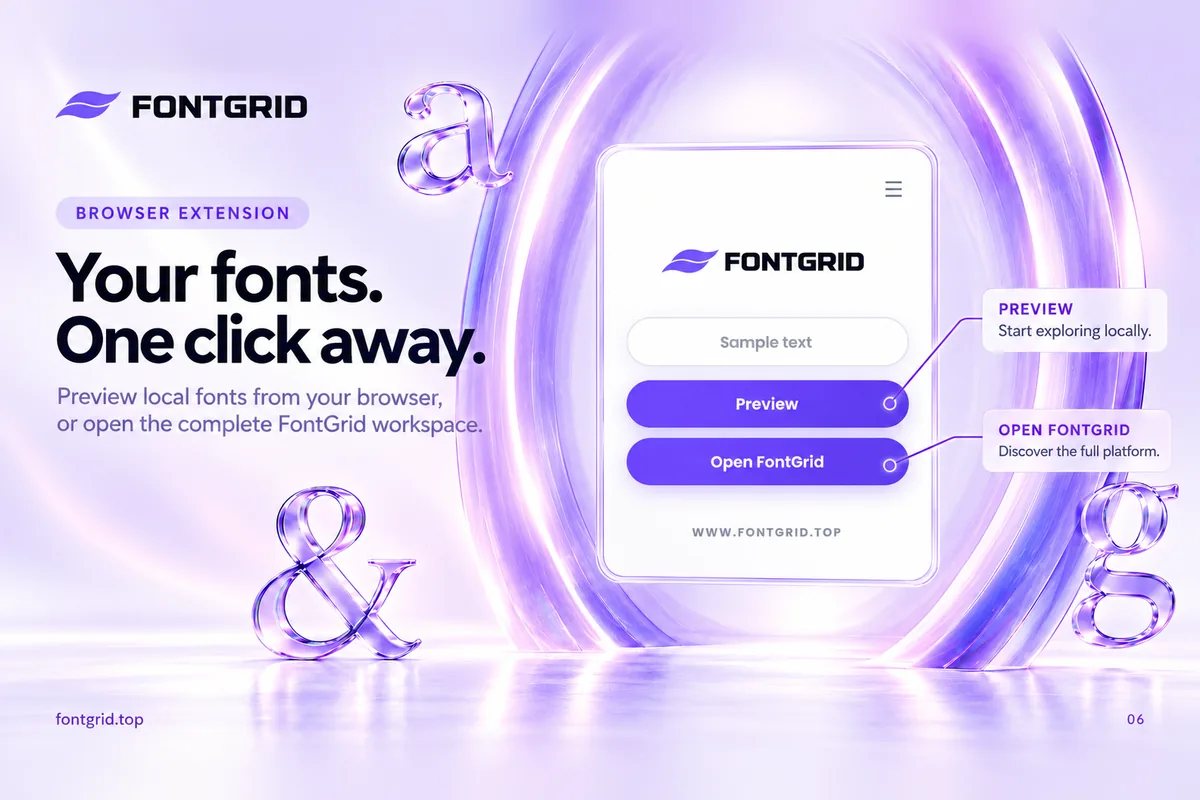
This is the FontGrid browser extension for Google Chrome. Type your own text and see it across the fonts installed on your device, right from the page you are working on.
 Add to Chrome
What you get
Preview your installed fonts
See your own text in the fonts on your device, up to 1,000 of them, for free.
Type your real words
Use a brand name, a headline or a line of copy instead of generic sample text.
Open FontGrid in one click
When you want to save, organize, compare or pair fonts, jump into the full workspace.
Free, right in your browser
- Preview the fonts installed on your device
- Type your own text and see it in every font
- Browse up to 1,000 fonts installed on your device
- Smart Grid with fast, responsive font browsing
- Live Preview with custom text and adjustable font size
- Full-Screen Preview & Copy Font Name
- Fast Preview Here on supported websites
- Unlimited bookmark collections with custom names and colors
- Download fonts and export previews as PNG or JPG
- Open the full FontGrid workspace in one click
Go further with Pro
- Everything included in FreeFree
- Unlimited detected-font browsingPRO
- List View & Advanced View SettingsPRO
- Compare unlimited fonts side by sidePRO
- Font Pairing Studio for mixing and matching 2 to 5 fontsPRO
- Full-Preview PrintingPRO
How do I preview the fonts installed on my device?
Add the FontGrid Chrome extension, type your own text and see it in the fonts installed on your computer. Browse up to 1,000 fonts for free, then open the full FontGrid workspace to compare fonts side by side, save favorites in color-coded collections and try font pairings.
Looking for the differences between Free and Pro? See the plans and pricing or read the full feature list.